

It is now time to populate your GTM container with tags.
The Natives
These are tags for which GTM has the source code. You will therefore need to configure them before redeploying another version of your container. You can quickly set up Google Analytics, Google Ads and Google Optimise, as well as tags from partner services (Criteo, Hotjar).
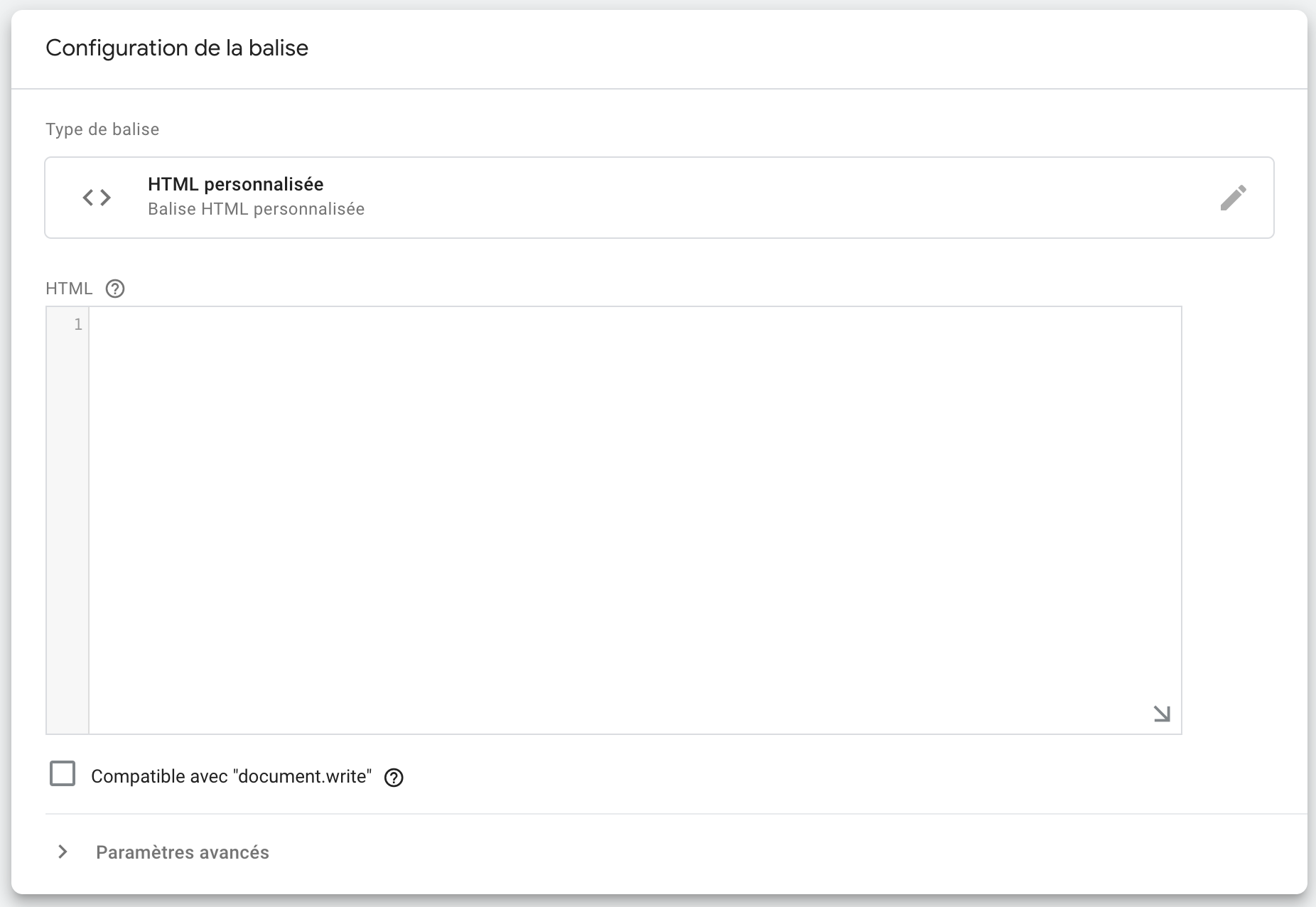
Customised items
These are text fields where you can paste the tracking code from another tool. You can also carry out image-based cracking by configuring images.
Organising and tidying up in a container
As you’ll have realised, they need to be tidied away and organised. It’s important to note:
- the name of the tool The tag type The name
Use them at the right time
In this episode, the AdWords agency in Marseille has taught you how Google Tag Manager tags work. You have also seen that you can use custom tags to deploy a tag that would not be available natively via Tag Manager.
Created by Vaniseo, your web agency in Marseille
Contact us
Our team will get back to you within 24 hours
Fancy finding out how much each channel brings in?
Google Analytics 4, conversions, dashboards: we make your figures easy to understand.
 French
 Spanish
 English